Windows Desktop
The complete desktop environment for charting, manual trading, cBots, custom indicators and advanced workspace management.

Choose a cTrader broker, create a demo or live account and access the platform on Windows, macOS, the web, iOS or Android.
cTrader is an electronic trading platform developed by Spotware for forex and CFD trading. Brokers provide access to the platform, so traders normally begin by choosing a compatible broker and opening either a demo account for practice or a live account for real-money trading.
Its platform family combines manual trading, chart analysis, copy trading and algorithmic development. The interface is designed to work consistently across desktop, browser and mobile devices, while cTrader Algo supports custom indicators and automated trading robots known as cBots.
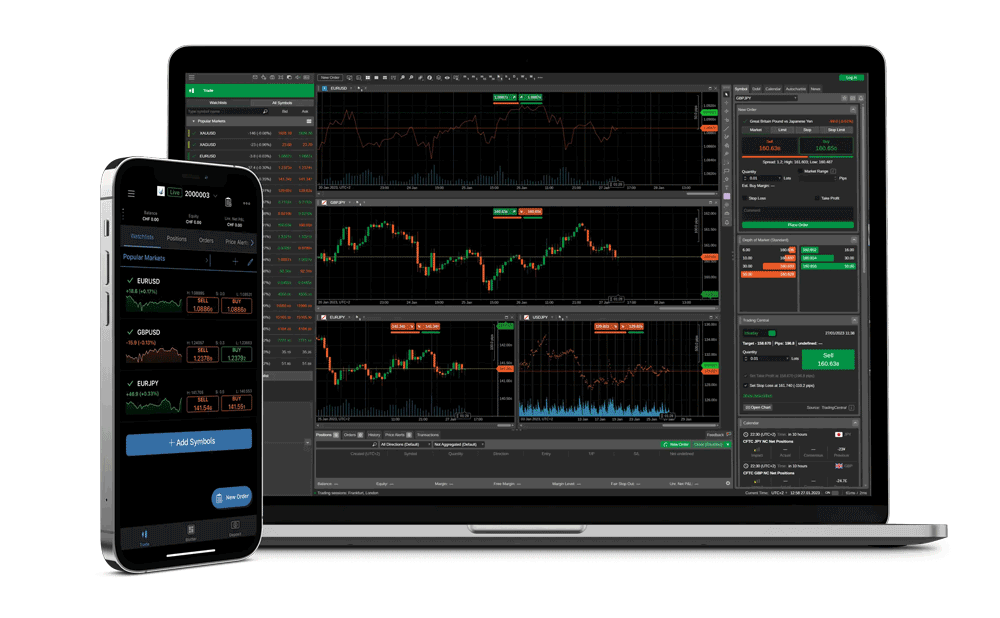
Your broker login can provide access to several cTrader applications. Exact availability and features may vary by broker and region.
The complete desktop environment for charting, manual trading, cBots, custom indicators and advanced workspace management.
Access cTrader on macOS with a dedicated experience for traders who work within the Apple desktop ecosystem.
Trade through a modern browser without installing desktop software—useful when moving between different computers.
Monitor markets, manage positions and access your trading account from a compatible smartphone or tablet.
cTrader is usually supplied through your chosen broker, allowing the platform and trading account to be connected from the start.
Review regulation, account types, trading costs, available markets and customer support. Confirm that both the broker and cTrader are available in your country.
A demo account lets you explore the platform with simulated funds. A live account requires registration, identity checks and a suitable funding method.
Follow the broker's cTrader link, choose your device and sign in. Start with platform familiarisation and demo testing before considering live trading.
These broker links provide a route to cTrader account registration and platform access. Compare the full reviews first, because costs, protections and availability differ by legal entity and location.

A widely used cTrader broker option for traders seeking access to active-trading tools and raw-spread account structures.
An established multi-platform broker to compare if you want cTrader alongside a broader selection of account and platform choices.
A cTrader broker option for eligible customers who want to compare account access, available markets and trading conditions.
Many cTrader brokers offer demo accounts, allowing you to access the platform with simulated funds before deciding whether to open or fund a live account.
cTrader is available across desktop, web and mobile environments. Check the broker's download page for the applications and operating systems currently supported.
The right broker depends on your country, regulatory protections, trading costs, account preferences, available markets and support needs. Compare the detailed reviews and verify current terms directly with each broker.
No. cTrader is trading software, not a guarantee of performance. Forex and CFD trading involve substantial risk, and you should understand leverage and test carefully before risking real funds.
Explore brokers offering MT4 or MT5 and check the account route for your preferred platform. Platform availability and pricing vary by broker and region.
Compare MetaTrader brokers