Compare trading costs
Check the spread, commission per side, overnight financing and account-currency conversion for the instruments you plan to trade. A cTrader commission quote should not be assumed to apply to an MT4 or MT5 account.

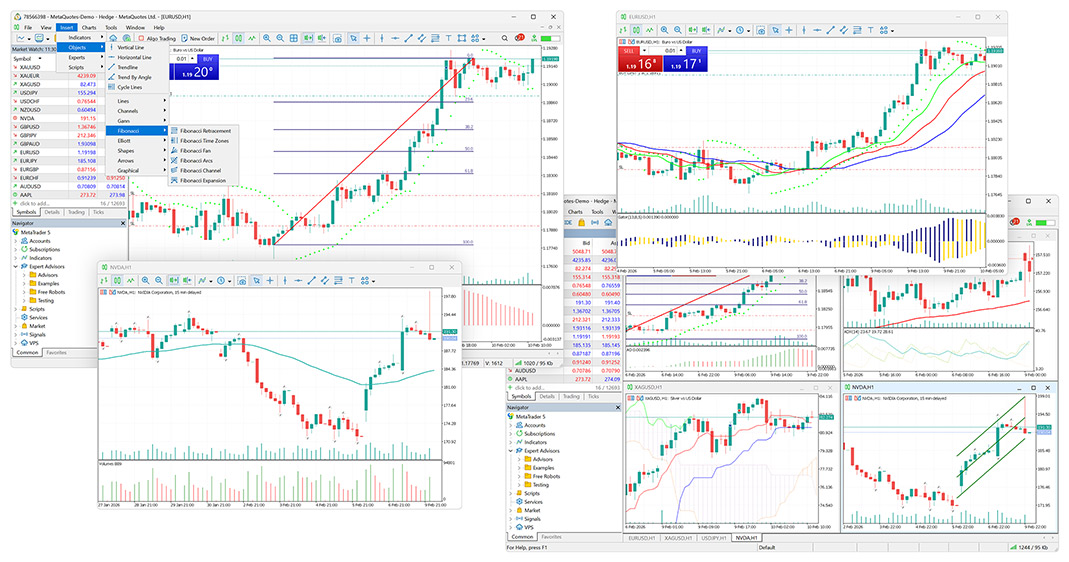
MT4 and MT5 accounts
Prefer MetaTrader? Compare platform availability at the brokers covered on this site, then follow the account route for your chosen provider.
These listings describe broker-published platform offerings, not a ranking. Availability, instruments and account terms depend on the company serving your country. The links open the broker’s account or website route; confirm MT4 or MT5 during setup.
| Broker & review | MT4 | MT5 | Open the broker |
|---|---|---|---|
| IC Markets | Listed | Listed | Sign up with IC Markets |
| FxPro | Listed | Listed | Sign up with FxPro |
| IC Trading | Listed | Listed | Visit IC Trading |
| Pepperstone | Listed | Listed | Sign up with Pepperstone |
| FP Markets | Listed | Listed | Sign up with FP Markets |
The broker reviews focus on cTrader; check the separate MetaTrader schedule before comparing costs.
Check the spread, commission per side, overnight financing and account-currency conversion for the instruments you plan to trade. A cTrader commission quote should not be assumed to apply to an MT4 or MT5 account.
Check which company is named in the account agreement and verify that it is regulated. Confirm that your intended instruments and account type are available through the specific MetaTrader version you choose.
This comparison is based on published broker platform information. We have not opened or funded accounts, measured execution, or tested withdrawals for this page.
Use the current account documents to resolve regional restrictions and pricing. You can also read our broker FAQs or compare cTrader accounts.