Reasons to investigate
cTrader is explicitly listed in the EU platform offering. Traders can investigate the platform alongside the broker’s own interface and other supported platforms.

cTrader broker review
Skilling’s EU website lists cTrader alongside its other platforms. Use this overview to check the account, regional eligibility and pricing schedule that would apply to you.
Compare the official account and commission schedules for the market you trade and the company holding your account. No universal cTrader rate is quoted here.
Compare a complete trade: opening and closing commission, the spread at your trading time, any overnight financing and currency conversion. Minimum advertised spreads are not average spreads. Funding and withdrawal conditions should be checked separately.
The EU site identifies Skilling Limited, CySEC 357/18, and lists country restrictions. EU access is not evidence of eligibility elsewhere.
Before applying, identify the legal company named in the account agreement. Check its licence and permitted activities on the regulator’s register, and ask which client-money, complaints and compensation arrangements apply to your exact account. A group’s licences do not all apply to every customer.
cTrader is explicitly listed in the EU platform offering. Traders can investigate the platform alongside the broker’s own interface and other supported platforms.
Country restrictions and platform-specific account conditions matter. Do not assume the account minimums, instrument list or protections advertised for another Skilling platform apply to cTrader.
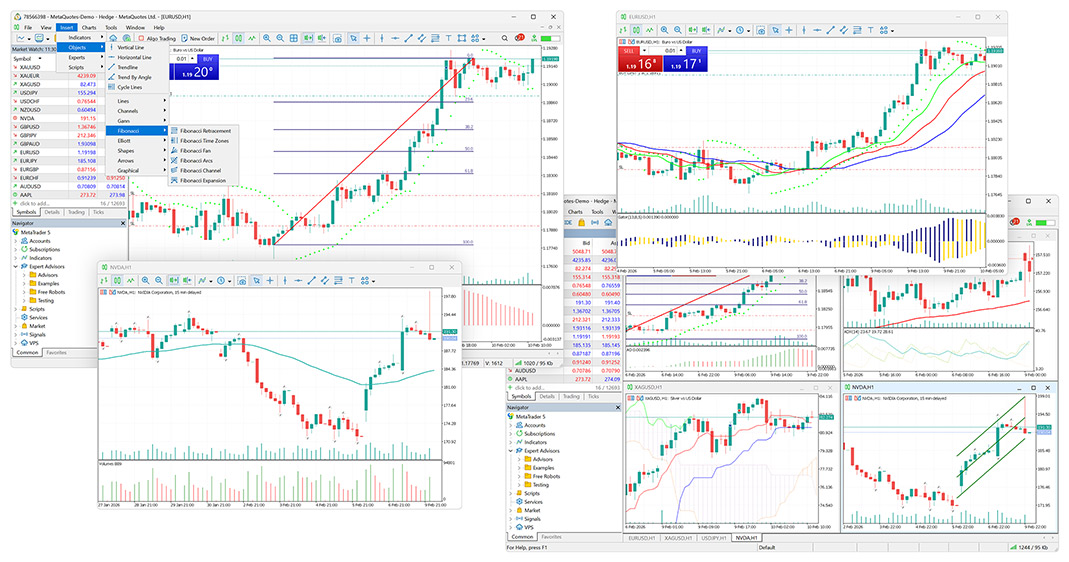
Follow the official provider’s demo route, choose cTrader and check the account currency, symbols and contract specifications. Place a simulated order to understand minimum volume, protection orders and the fee display. If you use cBots or custom indicators, check compatibility with the application you plan to use.
A demo is useful for learning the interface. It does not prove live spreads, slippage, liquidity, withdrawals or support quality. Those were not tested for this review.
Read recent positive and negative feedback on Trustpilot, especially about withdrawals, support and account administration. Check the service and company mentioned; reviews may cover platforms other than cTrader.
This review uses broker-published documents. We did not test accounts, execution, withdrawals or support. Demo guidance is not a test result.
Broker information can change. Verify the contracting company and licence on the regulator’s register before registering. Read our comparison method.
Compare the same markets and trade sizes with the companies serving your region before drawing conclusions about costs.